> ## Documentation Index
> Fetch the complete documentation index at: https://mintlify-docs-simplify-quickstart-2510244c.mintlify.site/llms.txt
> Use this file to discover all available pages before exploring further.
# Chat Widget
Integrate the Mintlify chat widget into your products to provide AI-powered search through your documentation.
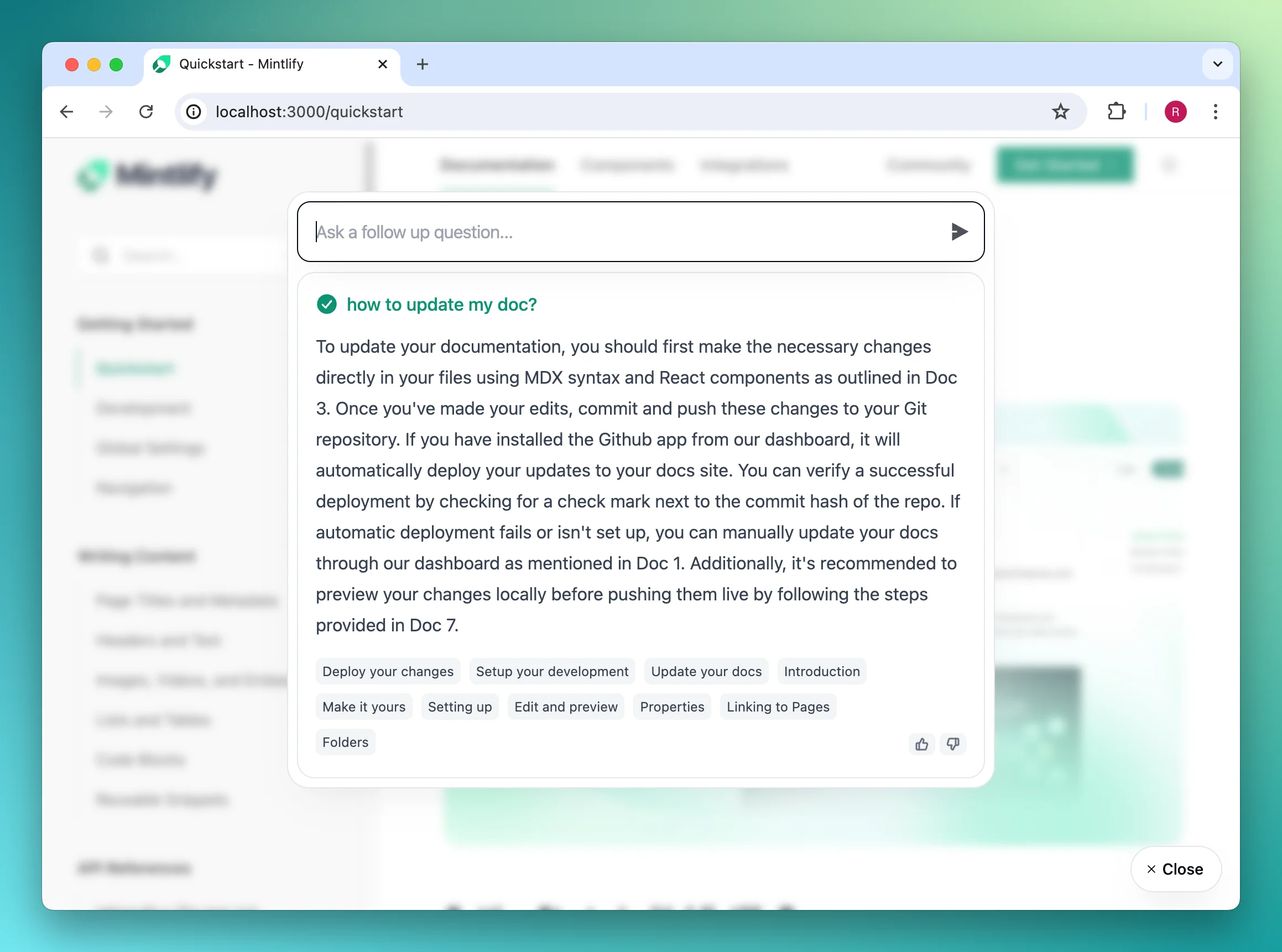
## Setup
1. Generate an API key in the [Mintlify dashboard](https://dashboard.mintlify.com/chat/widget-auth)
2. Add the widget to your site:
### HTML Sites
Add to your site's `` tag:
```html
```
### React/Next.js
Install and use the widget component:
```jsx
```
## Configuration
The widget can be customized using the following props:
| Prop | Description |
| ------------ | ------------------------------------------ |
| `connection` | API connection settings (required) |
| `display` | Widget appearance and interaction settings |
| `tracking` | Analytics tracking callbacks |
### Display Options
* **Trigger Types**: Choose between `button` or `input` display
* **Colors**: Customize primary colors for light/dark modes
* **Chat Settings**: Configure example queries and citation behavior
For detailed configuration options, visit our [API Reference](https://mintlify.com/docs/api-reference/introduction).